 ReceGuard
Quick answer: how to pick a receipt scanner app
Every receipt app on the App Store can photograph a receipt. The differences are all downstream: whether you can correct what the OCR read, whether the business purpose lives with the record, whether receipts leave your phone, whether multi-page receipts stay as one entry, and whether you can get everything out again in a format your accountant can open.
So do not compare camera screens. Install two candidates, scan the same three receipts through both — a normal one, a faded one and a two-page one — and export. The one that survives that is the one to keep.
Notable iPhone receipt scanner apps: a practical comparison
This is a shortlist, not a paid placement or a made-up App Store ranking. We selected established iPhone apps that publish a receipt-capture workflow and serve meaningfully different needs. US pricing below was checked on September 21, 2026; features and prices change, so confirm the plan on the linked publisher or App Store page before subscribing.
| App | Best for | Receipt, mileage & records | US pricing | Workflow & data model | Main trade-off |
|---|---|---|---|---|---|
| ReceGuardiPhone receipt and recordkeeping app | One-person businesses that want a simple, private receipt-and-mileage record. | On-device receipt recognition, categories, mileage, and tax-ready exports. | Free tier; Pro subscription price is shown in the app before purchase. | No account required; receipt images and recognition stay on the iPhone. | No team approvals, corporate card feeds, or general ledger — deliberately. |
| Smart ReceiptsExpenses & Tax | People who want highly configurable expense, mileage, and report workflows. | OCR receipt capture, mileage, custom fields, and PDF, CSV, and ZIP reporting. | Free; Pro $12.99/mo or $99.99/yr. Max $17.99/mo or $139/yr. Web pricing; iOS may differ. | Publisher describes cloud backup and optional bank connections for US and Canada. | More configuration and reporting surface than a lightweight personal record needs. |
| ExpensifyTravel & Expense | Employees and companies handling reimbursements, cards, and approvals. | SmartScan receipt extraction, distance tracking, expense reports, reimbursements, and accounting integrations. | Free download; App Store lists a $4.99/month subscription. | Account-based expense platform with team, card, travel, and approval workflows. | Broad business platform; its collaboration features can be unnecessary for a solo receipt log. |
| ShoeboxedReceipt Scanner | Small businesses with paper backlogs or people who want a scanning service. | Receipt capture and extraction, automatic mileage tracking, reports, and a mail-in receipt option. | Plans listed from $9/mo; $29/mo Pro and $79/mo Plus. | Service-led, account-based workflow; the publisher offers scan-volume subscription plans. | Recurring cost and a cloud/service model are a different fit from local-only recordkeeping. |
| Zoho ExpenseTravel & Expense | Teams already using Zoho or needing policy, card, and expense-report controls. | Receipt autoscan, receipt forwarding/import, expense reporting, and mileage workflows. | 14-day trial; paid monthly or yearly, priced by plan and active-user count. | Account-based platform that stores receipts in Zoho Expense and supports organization workflows. | Designed around company processes, so it can be more system than an independent worker needs. |
How to read this: receipt OCR is only the first step. Pick the row whose workflow matches yours: ReceGuard for a phone-first private record; Smart Receipts for flexible reports; Expensify or Zoho Expense for company controls; Shoeboxed for service-assisted digitization. Read our focused comparisons of ReceGuard vs Expensify, ReceGuard vs Shoeboxed, ReceGuard vs Zoho Expense, and ReceGuard vs Smart Receipts for more detail.
The seven criteria that actually decide it
This list is ordered by how often each one turns out to matter, based on what people complain about in App Store reviews of receipt apps rather than on feature-grid convention.
| # | Criterion | What good looks like | The question to ask |
|---|---|---|---|
| 1 | Correctable OCR | Merchant, date, total, tax and currency are extracted and shown to you before saving | Can I fix a wrong total, or does it just save whatever it read? |
| 2 | Context on the record | Category, business purpose, client or job stays attached to the receipt | Can I explain this purchase without opening another app? |
| 3 | Where processing happens | Stated plainly, in the privacy policy and the App Store label | Does the receipt image leave my phone? Is an account required? |
| 4 | Multi-page receipts | Several pages stay attached to one entry and are read together | What happens to a bill whose total is on page two? |
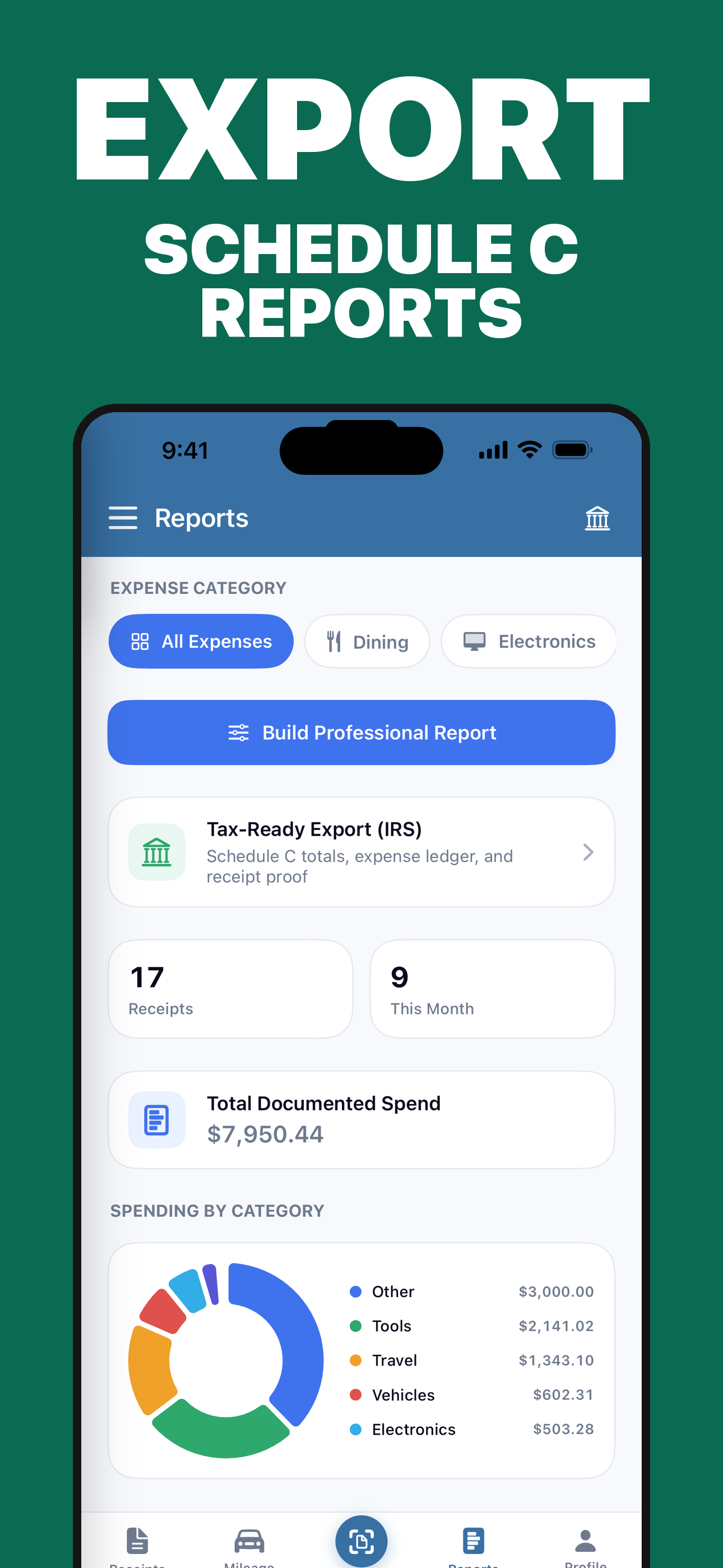
| 5 | Export | CSV or XLSX for the fields, PDF for the images, on demand | Does the export include the images and context, or only totals? |
| 6 | Mileage in the same place | Trips carry date, distance, vehicle and purpose alongside receipts | Can one record set cover a whole client visit? |
| 7 | Backup and device change | A clear story for a new phone, and whose cloud account holds the data | If this phone dies tonight, what do I still have tomorrow? |
Criterion 1 is the one people underrate. OCR is right most of the time, which is exactly what makes silent errors dangerous: an app that never shows you what it read will happily store a subtotal as your total, and you will not find out until you reconcile.
What "free" actually means
"Free receipt scanner app" is the most common search in this category and the least precise. Four very different models all use the word.
| Model | What you get | Where it pinches |
|---|---|---|
| Capped free tier | Full features, limited number of receipts per day or month | Fine for light use; a hard stop in a busy month. |
| Trial | Everything, for 3 to 30 days | The deadline arrives before you have tested a real quarter. |
| Free with paid export | Unlimited scanning, payment required to get data out | Your evidence is hostage at the moment you need it. |
| Free, ad or data supported | No payment | Read the privacy label carefully. Receipts are unusually revealing data. |
The third pattern deserves the most scepticism. An app that lets you accumulate two years of receipts and then charges for the CSV has chosen the moment of maximum leverage. Test the export on day one, while you have nothing to lose.
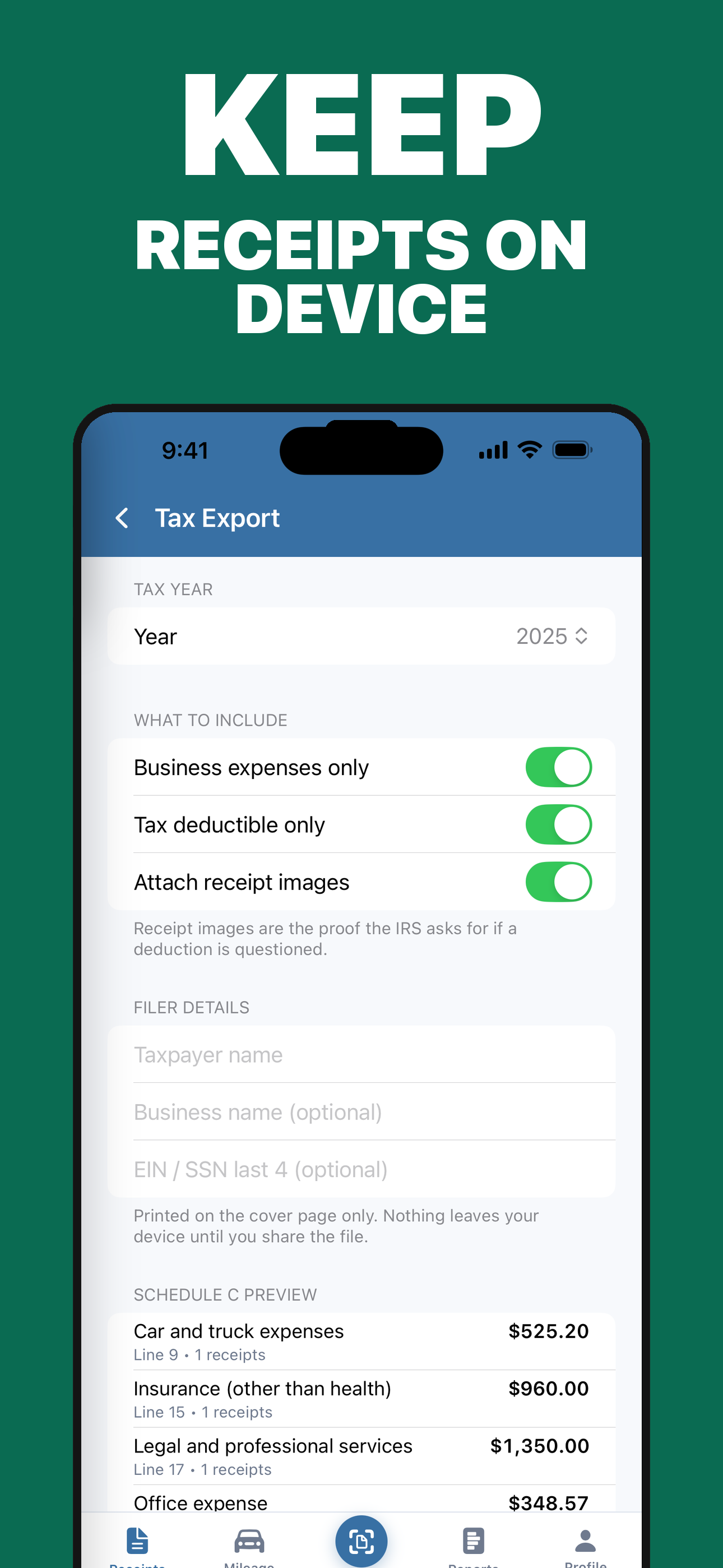
For reference, ReceGuard's free tier allows two receipt scans a day and a limited daily mileage allowance, with the same on-device recognition as the paid tier, no account and no upload.
On-device vs cloud recognition
This is a genuine technical fork, not a marketing distinction, and it has consequences beyond privacy.
| On-device OCR | Cloud OCR | |
|---|---|---|
| Receipt image leaves the phone | No | Yes, at least transiently |
| Works in aeroplane mode or with no signal | Yes | No |
| Speed | Immediate | Round trip to a server |
| Account required | Usually not | Almost always |
| Improves with server-side models | Only on app updates | Can improve silently |
| Breach exposure | Your device | Your device plus their infrastructure |
Since iOS 13, Apple's Vision framework has done accurate text recognition entirely on the device, and modern iPhones are fast enough that a receipt is read in well under a second. That means cloud processing is a product decision rather than a necessity — often a reasonable one, if the app is doing something server-side like human verification, but worth knowing about.
Receipts are more revealing than people assume. A year of them maps where you go, when, with whom and what you buy. That is worth one minute reading a privacy label.
The four product patterns
Rather than rank products whose pricing and features change monthly, it is more useful to recognise the four shapes these apps come in. Most of the market is one of these, and the right choice follows from which problem you have.
| Pattern | Built for | Strengths | Friction for a sole trader |
|---|---|---|---|
| Team expense platform | Companies with approvals and reimbursements | Policy rules, company cards, accounting integrations | You are paying for an approval workflow with one person in it. |
| Bookkeeping suite with a scanner | Businesses already doing full double-entry | Receipts flow into the ledger automatically | Heavy setup, and the scanner is rarely the best part. |
| Scanning service | People with a backlog of paper | Human verification, mail-in options | Recurring cost, and your receipts live on their servers. |
| Phone-first receipt record | One person keeping their own records | Fast capture, records you own, simple exports | No approvals, no team features, no ledger. |
ReceGuard is the fourth pattern, and it is worth being direct about the trade: if you need multi-user approvals, corporate card feeds or a general ledger, the first two patterns exist for good reasons and you should use them.
When the built-in iOS scanner is enough
Not everybody needs an app, and the honest answer depends almost entirely on volume.
| Your situation | What to use |
|---|---|
| A handful of business receipts a year | Notes or Files scanner into one folder. Name the files consistently. |
| A few a month, filing Schedule C yourself | A receipt app, mainly for the categories and the export. |
| Several a week, plus vehicle use | A receipt app with mileage in the same place. |
| Staff submitting expenses | A team expense platform. |
Export, retention and getting out
Tax records outlive apps. The IRS expects most records to be kept three years from filing, six or seven in some circumstances, and your receipt app is unlikely to be the same product for that long.
Three questions before you commit a year of receipts:
- What format does it export? CSV or XLSX for the fields, PDF or a zip of images for the evidence. A PDF report of totals is not an export.
- Does the export include the images? Numbers without the receipt images are half a record.
- What happens if you stop paying? Read-only access to your existing data is reasonable. Losing access to it is not.
The ten-minute test before you subscribe
Install two candidates and run all five steps. It takes about ten minutes and settles the question better than any review, including this one.
- Scan a normal receipt. Check the merchant, date, total and tax against the image. Count the errors.
- Scan a faded one. Everyone handles a crisp receipt. The difference shows on a bad one.
- Scan a two-page receipt. Does it stay one entry, and is the total on page two found?
- Add a business purpose and a category. How many taps? You will do this hundreds of times.
- Export. Open the file on a computer. If you cannot, nothing else matters.
One more check: turn on aeroplane mode and scan. If nothing happens, the recognition is running on someone else's server, whatever the marketing page says.
Frequently asked questions
What is the best free receipt scanner app for iPhone?
There is no single answer, because 'free' means different things. Check three limits before installing: how many receipts per day or month, whether export is included, and whether an account is required. ReceGuard's free tier allows two receipt scans a day with the same on-device recognition as the paid tier and no account.
Is there a receipt scanner that does not upload my receipts?
Yes. Apple's Vision framework runs text recognition on the device, so an iPhone app has no technical need to send receipt images anywhere. Apps that upload are making a product choice. Check the App Store privacy label and the privacy policy rather than the marketing copy.
Do I need an app at all, or is the iPhone scanner enough?
If you file a handful of business receipts a year, Notes or Files will do. The built-in scanner crops, straightens and saves multi-page PDFs. What it does not do is extract the merchant, date and total into fields you can sort, total and export, which is the entire job once you have a few dozen receipts.
What should a receipt app export?
The images and the structured fields together, in a format someone else can open — CSV or XLSX for the data, PDF for the images. An export that gives you only totals leaves your evidence trapped in the app.
Are there good Expensify alternatives for a one-person business?
Expensify is built for teams: approvals, reimbursements, company cards, accounting integrations. A sole trader is paying for a workflow they do not have. For one person the useful comparison is against a simpler receipt-and-mileage record, or against a spreadsheet plus the built-in iOS scanner.
Does a receipt scanner app work offline?
It depends on where recognition runs. On-device OCR works in aeroplane mode; cloud OCR does not, which matters more than it sounds when you are scanning at a till in a basement or abroad without data.
What happens to my receipts if I stop paying?
This is the question most people ask too late. Some apps keep your data readable and only lock new features; others put it behind the paywall. Export a full set before your first renewal so the answer never matters.
Can a receipt scanner app handle multi-page receipts?
Some can, many cannot. A restaurant bill or trade invoice often prints the itemisation on one page and the total on another, and an app that treats every photo as a separate receipt splits your evidence in half. Test it with a two-page receipt before you commit.
Where ReceGuard fits: phone-first records, recognition on the device, a review step before anything is saved, multi-page receipts as single entries, mileage alongside receipts, and CSV, XLSX or tax-package export whenever you want it. No account to start, and nothing uploaded unless you switch on iCloud sync, which uses your own iCloud account.
Sources
- Apple Developer: the Vision framework
- Apple: Scan documents on iPhone
- IRS: How long should I keep records?
- IRS Revenue Procedure 97-22: electronic storage of records
Product features, pricing and privacy policies change often. Check the App Store listing and the developer's current privacy policy before you subscribe to anything, including ours.
Scan receipts, log mileage and export a tax package when you need one.
Download ReceGuard